


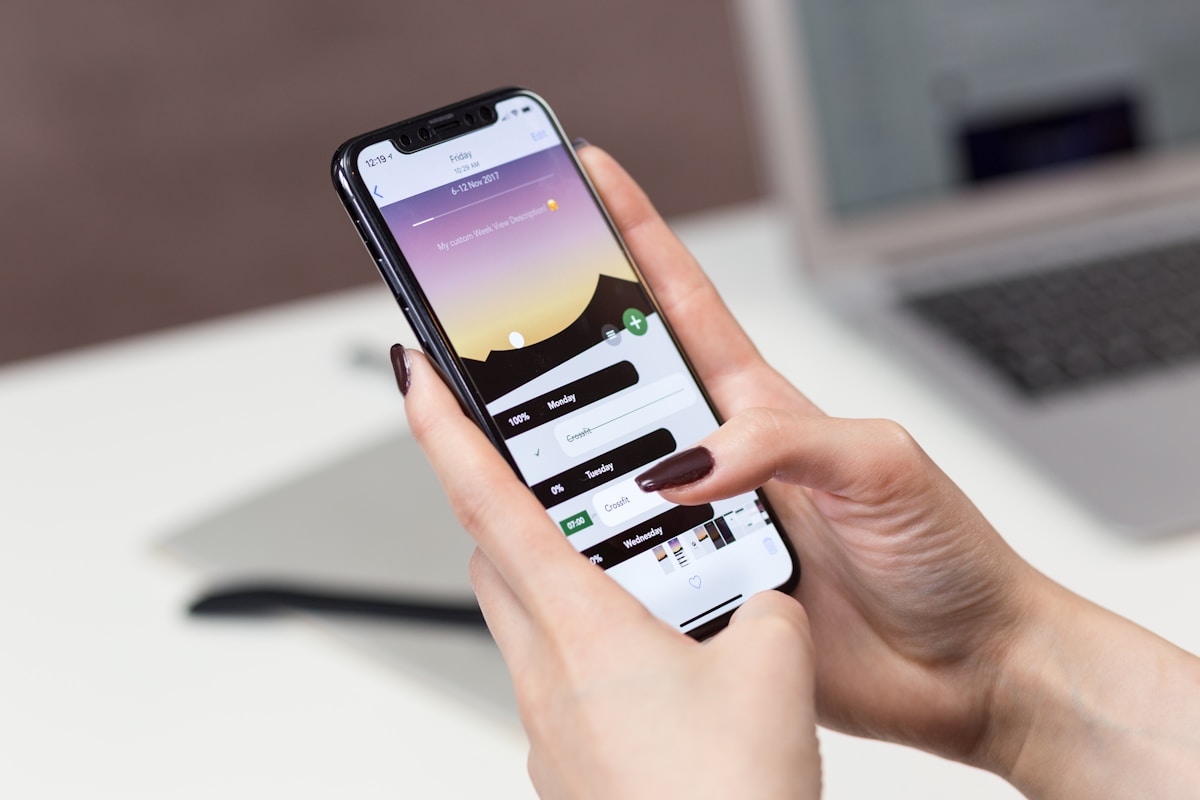
A used iPhone 17 Pro Max is expensive enough that scammers have a reason to target it. Some fakes are obvious Android phones in an iPhone-style shell. Others are more convincing at first glance: copied serial numbers, cloned packaging, a convincing camera bump and a home screen that looks close enough in photos.
The good news is that most fake iPhones fail simple checks once you handle the device properly. Do not rely on the box. Do not rely on the receipt. Do not rely on a screenshot. You need to test the phone itself.
This guide focuses on the obvious things to look for before buying a used iPhone 17 Pro Max from Facebook Marketplace, eBay, Gumtree, a local seller or a small shop.
1. Check Settings, Not the Box#
Start with the device in your hand.
Go to Settings > General > About. A genuine iPhone 17 Pro Max should clearly show the model name, iOS version, storage capacity, serial number, IMEI and EID. The iPhone 17 Pro Max was introduced in 2025 and is sold in 256GB, 512GB, 1TB and 2TB capacities.
If the seller refuses to let you open Settings, stop. If the storage shown in Settings does not match the advert, stop. If the box says 1TB but Settings says 256GB, treat that as a serious red flag.
Some counterfeit phones show fake information screens, so this is not the only check. But it is the first one because many scams fail here.
2. Use Apple's Serial and Coverage Checks Carefully#
Copy the serial number from Settings and check it through Apple's coverage page. A valid result is a useful sign, but it is not proof on its own. Counterfeiters can copy serial numbers from genuine iPhones.
What you are looking for is consistency:
- the model should match iPhone 17 Pro Max
- the storage should match the advert
- the IMEI in Settings should match the SIM or eSIM information
- the serial on the phone should match the seller's paperwork
- the activation or warranty status should make sense for the age of the phone
If one detail is wrong, assume the rest may be wrong too.
3. Confirm It Runs Real iOS#
A fake iPhone often runs Android with an iOS-style launcher. At a glance, it can look convincing. Under pressure, it usually falls apart.
Try these checks:
- Open the App Store, not a third-party app store.
- Search for an Apple app such as Pages, Keynote or GarageBand.
- Go to Settings > General > Software Update and check that the update screen behaves normally.
- Long-press an app and check the real iOS edit controls.
- Open Safari and check that it behaves like Safari, not a skinned browser.
- Try to sign in to an Apple Account only if you are comfortable doing so.
Do not enter your Apple Account password into a phone you already suspect is fake. If the phone looks wrong, walk away.
4. Check eSIM and the SIM Tray#
The iPhone 17 range uses advanced eSIM technology in many markets. A suspicious SIM tray, missing EID, strange dual-SIM menus or a phone that cannot show normal eSIM information can be a clue that the device is not what it claims to be.
Go to Settings > General > About and look for EID and IMEI details. Then go to Settings > Mobile Service and check whether the menus look like normal iOS mobile settings.
If the seller says "the SIM settings are broken but everything else works", treat that as a serious risk. A high-value Pro Max with broken mobile activation is not a normal casual-sale item.
5. Test Face ID Properly#
Face ID is one of the hardest parts for a fake phone to copy convincingly.
Go to Settings > Face ID & Passcode and try to set up Face ID. The setup should use the real iOS Face ID animation and should complete reliably. A fake might offer a basic face unlock, a flat camera unlock or a setting that looks wrong.
Also check whether Face ID works for unlocking, App Store confirmation and password prompts. If Face ID is "temporarily unavailable", ask why. It could be a genuine repair issue, but on a used iPhone 17 Pro Max it should reduce the price and increase your caution.
6. Look at the Display#
The iPhone 17 Pro Max has a 6.9-inch Super Retina XDR OLED display with ProMotion up to 120Hz, Always-On display, Dynamic Island and very high brightness. You do not need lab equipment to spot a poor fake.
Look for:
- thick or uneven bezels
- a fake Dynamic Island that does not animate properly
- dull colours or grey blacks
- poor viewing angles
- stutter when scrolling
- a display that does not get bright outdoors
- touch lag or dead areas
Set the brightness high, open a white page, then open a black image or dark settings screen. Cheap LCD panels look especially wrong on black.
7. Test the Cameras, Not Just the Camera Bump#
The camera bump is easy to copy. The camera performance is not.
Open the Camera app and test:
- 0.5x, 1x, 2x, 4x and 8x zoom options
- Portrait mode
- Cinematic or video modes
- front camera framing
- tap-to-focus
- switching lenses without crashes
- recording a short 4K video
A fake may have decorative lenses that do nothing. A repaired genuine phone may show camera warnings or poor focus. Either way, it changes the value.
8. Check Parts and Service History#
On iOS 15.2 and later, repaired iPhones can show Parts and Service History in Settings > General > About. On recent iPhones this can include major parts such as display, battery, cameras and logic board.
An "Unknown Part" message does not always mean the phone is fake. It can mean the phone has been repaired with a non-genuine or unverified part. But if a seller advertised the phone as mint, untouched or Apple repaired, the history should match that claim.
For a high-value iPhone 17 Pro Max, non-genuine parts can affect resale value, performance and future repair cost.
9. Make the Seller Erase It#
Before buying, ask the seller to erase the iPhone in front of you:
Settings > General > Transfer or Reset iPhone > Erase All Content and Settings
After the reset, the phone should activate normally. If it shows iPhone Locked to Owner, do not buy it. Activation Lock means the phone is still linked to someone else's Apple Account.
Never accept "I will remove it later" or "my cousin knows the password". Once you pay and leave, the problem is yours.
10. The Obvious Red Flags#
Walk away if you see any of these:
- price far below market value
- seller rushing you
- no live inspection
- sealed box only, no activation
- Settings storage does not match the advert
- serial checks as a different storage or region
- App Store is missing or fake
- Software Update does not work
- Face ID cannot be tested
- camera lenses do not match camera modes
- Activation Lock is enabled
- seller wants bank transfer before meeting
One red flag is enough. You do not need to prove it is fake. You only need to decide it is not worth the risk.
Selling an iPhone 17 Pro Max Safely#
If you already own an iPhone 17 Pro Max and want to sell it, the safest route is to avoid private-sale risk entirely. A buyback service gives you a quote, checks the device professionally and pays by bank transfer after inspection.
Before sending it to TechLoop, back it up, remove your Apple Account, turn off Find My, erase the phone and remove any cases or accessories you want to keep. If the device is genuine, unlocked and matches the condition selected, it can still hold strong value — get a live iPhone 17 Pro Max quote to see the number.
Upgraded and ended up with a new phone you do not need? We buy the latest models as well: iPhone 18 Pro Max, iPhone 18 Pro and iPhone Duo.
The main rule is simple: never buy or sell a high-value iPhone in a rushed, unverified transaction. The better the deal looks, the more carefully you should check it.